
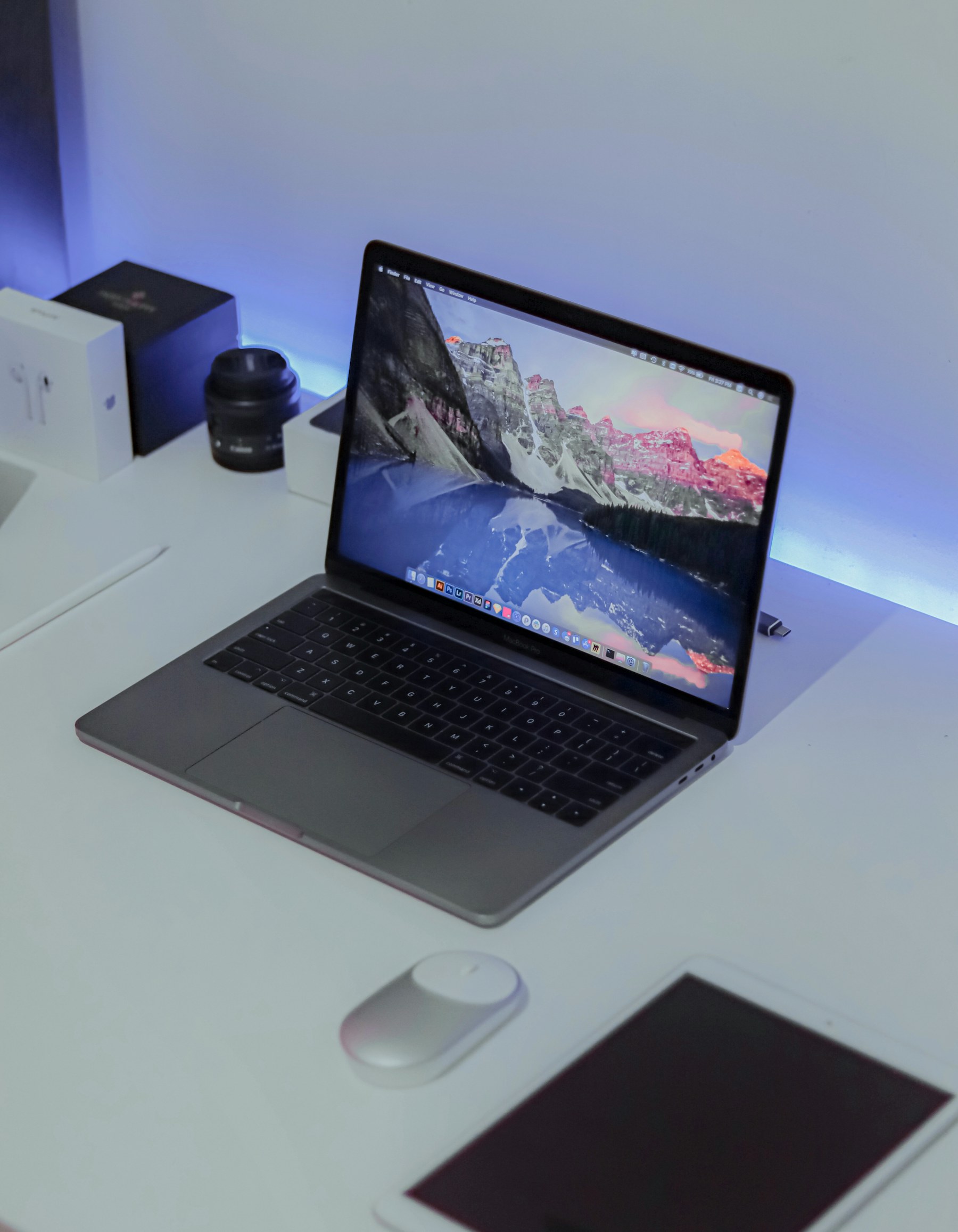
MacBook Air M1 vs M2 Refurbished — Which to Buy in 2026?
The refurbished MacBook Air M1 and M2 remain practical lightweight laptops for everyday productivity, but the better purchase depends on exact specifications, battery condition, software requirements and the seller's terms. Compare like-for-like memory and storage rather than assuming one chip always offers the better deal.
What changes between M1 and M2?
The M2 Air has a redesigned chassis, a larger 13.6-inch display and MagSafe charging, whereas the 13.3-inch M1 Air charges through USB-C. Both are fanless machines. Performance varies by application and memory or storage configuration; avoid applying benchmark percentages from a particular test to every workload.
Memory and storage can matter more than the chip
An 8GB configuration may suit lightweight browsing, writing and video meetings, but buyers regularly multitasking or keeping machines for several years should consider 16GB where affordable. Memory is not a normal post-purchase upgrade in these models. Confirm the storage capacity and any known SSD-performance trade-offs of the exact M2 configuration rather than judging solely by processor name.
Compare real refurbished asking prices
Fixed price ranges and claimed savings against launch-era retail prices quickly become misleading. RefurbPicks comparisons display actual qualified listings, while product pages may show observed price history for that exact listing. Neither measure alone proves a market-wide discount: compare RAM, storage, battery, cosmetic grade, seller history and included charger on both models.
What to inspect before purchase
Confirm that Activation Lock and organizational remote management are removed. Check the seller's battery-health information if provided, display and keyboard condition, charger inclusion, return window, any warranty and the precise model year. A generic “refurbished” description does not confirm all these checks were completed.
Which should you buy?
Choose the M1 Air when the offer is meaningfully cheaper for the memory and storage you require and you accept its older design. Choose the M2 Air if you benefit from the updated display, charging options or increased performance and the total price remains competitive. Before checkout, review current qualified offers and the exact merchant terms.
Applied example: which Air is better for a student?
Assume a student primarily uses browser-based coursework, research PDFs, word processing and video calls. Both M1 and M2 configurations may be suitable, so the decision begins with RAM, storage, battery condition and verified macOS/app support, not just the processor label. A 16GB M1 may be preferable to an 8GB M2 for sustained memory-heavy multitasking; a well-priced M2 could be preferable where the newer design and connectivity better suit the buyer.
Decision table: what earns a price premium?
| Buyer need | Check first | Potential deal-breaker |
|---|---|---|
| Multiple research and work apps | 16GB unified memory or adequate workload evidence | Memory cannot be expanded after purchase |
| Portable study laptop | Battery disclosure and realistic charger inclusion | Unverified battery and nonreturnable sale |
| Photo or video editing | Memory, storage, display, sustained workload requirements | Insufficient SSD and memory |
| Lowest total spend | Delivered price for matched condition and specifications | Missing charger or locked device |
Example of a misleading comparison
Comparing a 16GB/512GB M1 listing with an 8GB/256GB M2 listing does not isolate the processor difference. Record chip, memory, SSD, condition, battery test and return policy in one table. The M1 and M2 Air also use different enclosures and charging arrangements, so verify the physical model and accessories. Use Apple's device identification and service documentation to confirm the exact generation.
What to verify before you pay
Require evidence of the exact MacBook model, removal of Activation Lock and any organization management, and a seller-stated battery condition or test procedure. The number of CPU cores or an “excellent” grade cannot substitute for those checks. Compare M1 candidates with M2 listings and read the complete MacBook verification guide.
Ready to Find Your Deal?
Browse live eBay listings updated hourly. Every deal includes seller rating, condition grade, and buyer protection.
Browse All Deals →

