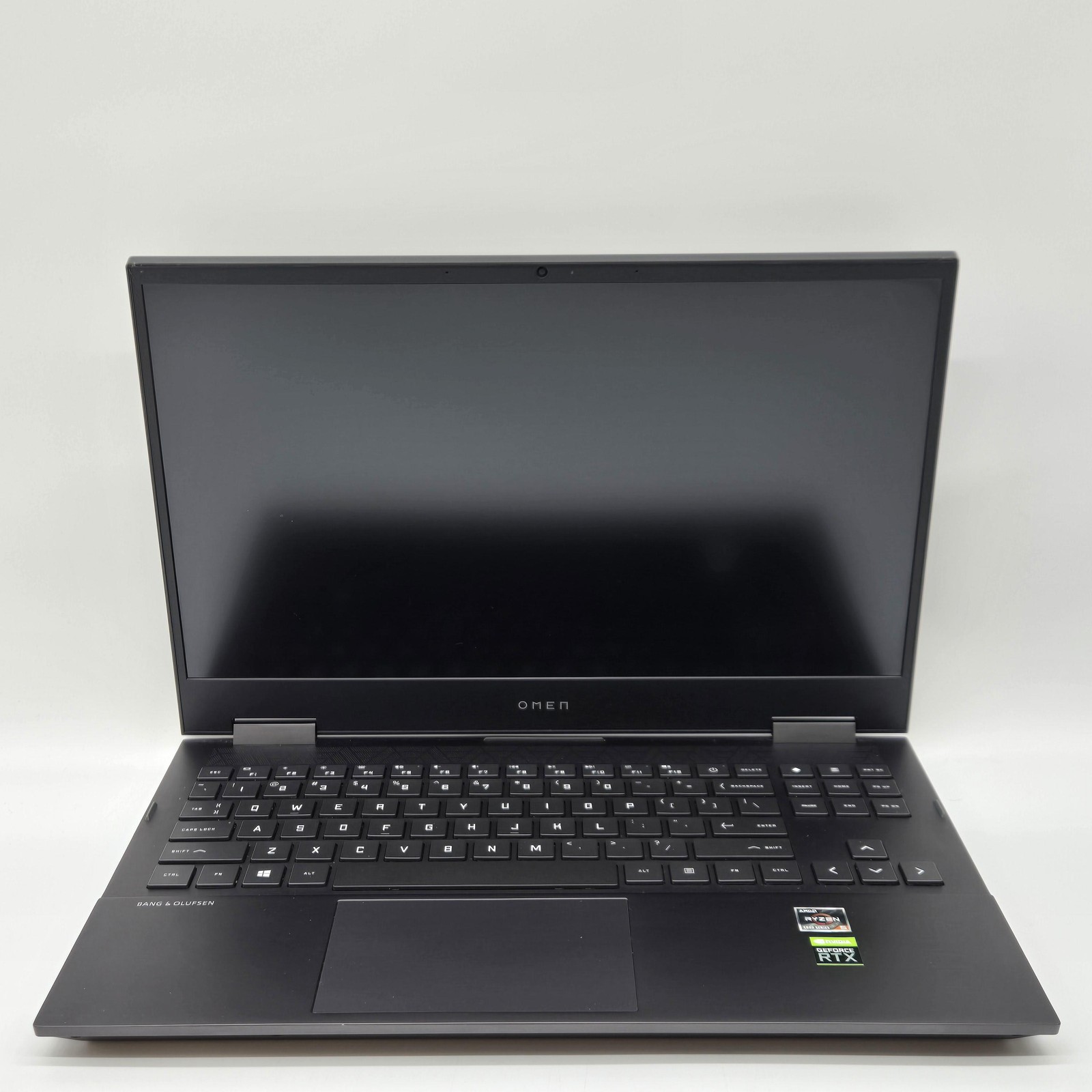
Best Refurbished Gaming Laptops in 2026: RTX Deals on eBay
A refurbished gaming laptop can offer more graphics performance per dollar than a new entry-level machine, but the GPU model alone is not enough to predict game performance. Power limits, cooling, CPU, VRAM, display resolution and memory all matter. Listings for older GeForce RTX generations should be judged against current alternatives rather than original launch prices.
How to compare laptop graphics
An RTX 3060, 3070 or 3080 laptop GPU may still be suitable for selected games, but performance varies significantly between products with the same model number. A machine with a higher permitted graphics power and effective cooling can perform differently from a thin laptop with tighter limits. Newer GPUs may also offer features that are absent from older generations. Check game-specific benchmarks for the exact laptop configuration where possible.
Compare complete systems
A Lenovo Legion with a suitable graphics configuration may appeal to users prioritizing sustained performance and serviceability; an ASUS ROG Zephyrus may favor portability in some generations. Neither family is uniformly the best option. Check each machine's specific CPU, RAM, SSD, display panel, graphics power limits, ports, weight and warranty status.
Display and cooling checks
Confirm screen resolution and refresh rate in the listing: a high-refresh panel is useful only when the system delivers sufficient frame rates. Ask about fan noise, unusual heat, prior repairs and whether the seller tested graphics-heavy loads. Thermal-paste replacement is not inherently required for every refurbished machine and should not be represented as proof of quality.
Battery and power adapter
Gaming laptops commonly draw much more power during gameplay than their battery is designed to supply. Verify battery health if disclosed, the original or compatible power adapter's wattage, and the return policy. A missing or underpowered adapter can undermine an otherwise appealing offer.
What makes an offer competitive?
Do not calculate savings using an old MSRP or compare a low-power GPU to a higher-power GPU as though they were identical. Check multiple current offers with similar processor, graphics, RAM, storage and condition, including return terms. RefurbPicks listing history describes one seller's asking-price observations, not a guaranteed market discount.
Before buying
Choose the system that meets your real workload at a total price you can justify. Confirm exact product specifications and review the individual seller analysis before leaving RefurbPicks for the marketplace.
Why a GPU model alone is not a buying recommendation
Gaming-laptop performance depends on the exact mobile GPU variant, its power limits, CPU, cooling system, RAM, display resolution and game workload. Two machines advertising the same RTX chip may deliver different results because of manufacturer power configuration and thermal design. Before buying a refurbished unit, identify the actual model and graphics implementation rather than assuming that the highest number in a title is the fastest real-world choice.
Worked scenario: gaming and coursework on one machine
A student plays games at 1080p and also needs document editing, video calls and occasional programming. A powerful gaming laptop may suit that combination, but fan noise, weight, charger size and unplugged battery life can make it inconvenient for class. A lighter laptop with a more modest GPU might be better if the games are not demanding; conversely, a high-refresh display is less useful without enough graphics performance. These are workload-dependent trade-offs, not measured performance claims for a particular used unit.
Used-gaming hardware inspection checklist
| Component | Evidence required |
|---|---|
| GPU | Exact mobile graphics chip and manufacturer-stated power configuration where available |
| CPU and memory | Processor model, RAM capacity and whether upgrades are supported |
| Cooling | Functional fan test, reported thermal behavior, blocked vents and repair history |
| Display | Actual panel resolution, refresh rate, defect checks and dead-pixel return terms |
| Power supply | Correct-wattage charger included; avoid assuming a generic adapter suffices |
| Storage | Verified SSD size, available expansion and condition disclosures |
How to judge the total price
Calculate the delivered price after shipping and missing accessories, then compare listings with the same GPU class, processor generation, RAM and condition evidence. A seller's “tested” label should lead to questions about the actual tests rather than instant confidence. If the return policy cannot cover thermal shutdowns, display faults or battery problems discovered shortly after arrival, a seemingly low price may not be worthwhile.
Use the laptop deal-evidence guide and RTX 3070 category research as starting points; different GPU families must not be presented as like-for-like comparisons.
Ready to Find Your Deal?
Browse live eBay listings updated hourly. Every deal includes seller rating, condition grade, and buyer protection.
Browse All Deals →